Stage canvas
A black stage (#050505) where forms behave like beams and pools of light, or a white one for architectural and graphic sketches.
LightSound Lab 03 · Learning studio
A studio for designing light compositions and visual dramaturgy in time. Build light forms on a dark stage, lay cues along the waveform of your music or record your gestures live, and watch the light move smoothly from one state to the next — no programming and no 3D animation needed.
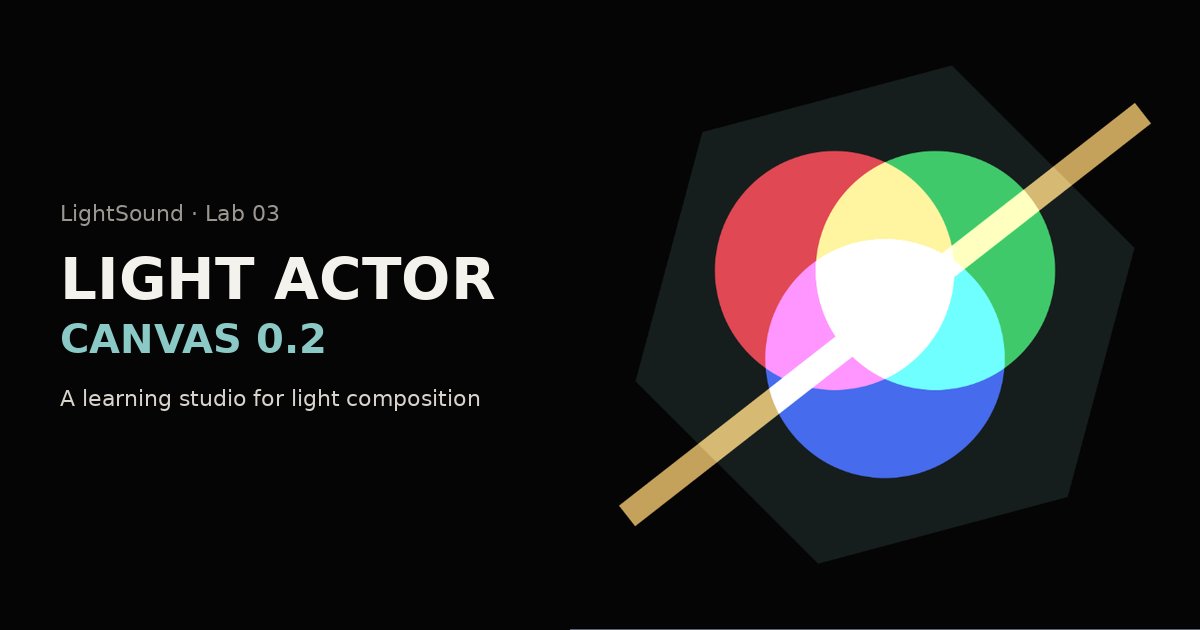
The name goes back to the idea on which the Lux Aeterna Light and Music Theatre has been built since 1982: on stage, a living light image takes the place of the actor. The studio is a first, flat step towards that theatre of light — depth and the light shaft come next.
A black stage (#050505) where forms behave like beams and pools of light, or a white one for architectural and graphic sketches.
Six basic forms: circle, square, triangle, line, ellipse and hexagon — new forms start in additive (light) mode.
Order of overlap, duplicating and deleting. The top layer covers those below.
Export the current frame as a 1000 × 1000 px PNG, or clear the stage.
Name, colour, opacity, position, size, rotation and blend mode, with an educational 8-channel DMX patch for each form.
Cues on an audio waveform up to 15 minutes, live gesture recording every 0.25 s, a cue list for the console and a flash check.
The digital blend modes (additive, screen, multiply) are an artistic model for designing light dramaturgy, not a photometric calculation. The DMX patch is a simplified teaching model: Pan and Tilt here are positions on the canvas, not a fixture’s rotation angles.
If you use the laboratories in teaching or research, please cite the collection:
Freedman, D. A. (2026). LightSound Labs: Open Interactive Laboratories of Light, Colour, Sound and Perception (Version 1.0). Scientific and Educational Institute of Multidisciplinary Research «SMART City», Uzhhorod National University. Zenodo. https://doi.org/10.5281/zenodo.24308316
Lux Aeterna / LightSound project
Concept and direction: Daniel A. Freedman — stage director, founder of the Lux Aeterna Light and Music Theatre
Published on LightSound — a digital ecosystem-school for interdisciplinary research
Scientific and Educational Institute of Multidisciplinary Research “SMART City”, Uzhhorod National University · svitlozvuk.freedanman.com · 2026